
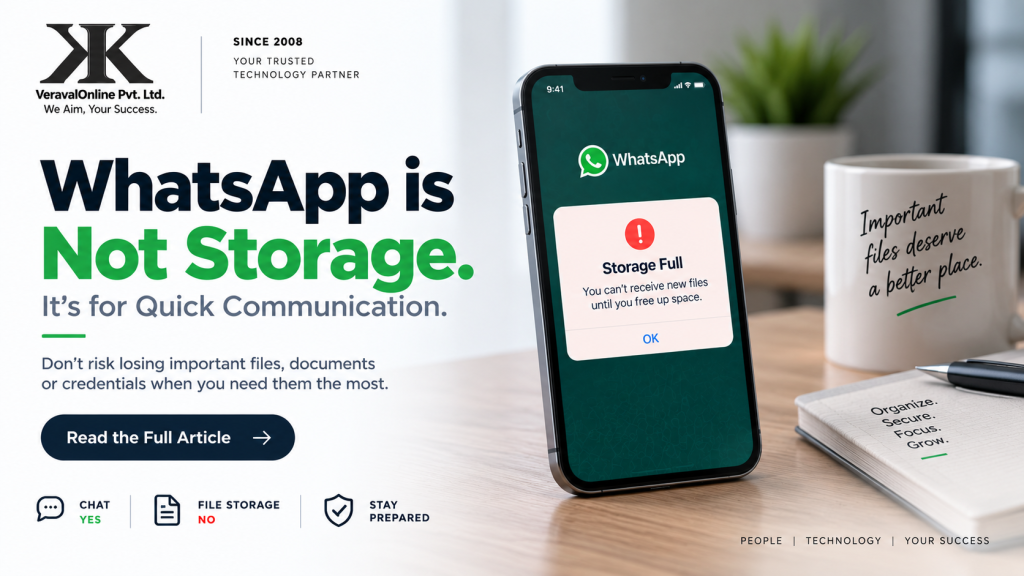
WhatsApp has become an essential communication tool for businesses.
Teams use it to share updates, discuss projects, send documents, exchange screenshots and communicate with customers. It’s fast. It’s convenient. And almost everyone has it. But there is one habit businesses should reconsider:
Using WhatsApp as their document storage system.
The Situation
Imagine this.
A team member is travelling to an important client meeting.
Earlier that week, several documents were shared with them through WhatsApp:
- Client agreement
- Pricing document
- Previous proposal
- Product information
- Supporting files
The team member remembers that the agreement was shared in the WhatsApp conversation.
No problem.
Until they actually need it.
They open WhatsApp.
They search.
The conversation is long.
There are hundreds of messages, images and documents.
They find the message — but the file isn’t immediately available.
Perhaps the phone has limited storage.
Perhaps the file was removed from the device.
Perhaps the attachment needs to be downloaded again.
Perhaps the person who originally sent it isn’t available.
Suddenly, finding one important document becomes a business problem.
The Real Problem Isn’t WhatsApp
WhatsApp isn’t necessarily the problem.
The problem is using a communication tool as the primary storage location for business information.
Communication and storage serve different purposes.
WhatsApp is excellent for:
✓ Quick conversations
✓ Updates
✓ Coordination
✓ Notifications
✓ Sharing information temporarily
But important business information deserves a more structured home.
What Should Businesses Do Instead?
Important documents should be stored in systems designed for document management and recovery. Depending on the business, that could be:
Cloud Storage
For example, an approved business cloud storage platform where documents can be organized and accessed by authorized users.
Company Server / NAS
For businesses that maintain their own infrastructure, documents can be stored centrally with appropriate access controls and backups.
Document Management System
Useful when multiple people need to access, organize and manage business documents.
Password Manager
Credentials should not be treated like ordinary documents.
Business passwords should be stored in an appropriate password-management system with controlled access.
What About WhatsApp?
Keep using it.
Just use it for what it does best:
Communicate quickly.
When an important document is shared through WhatsApp, the better habit is:
Receive → Store in the correct system → Share the secure location if needed
Rather than:
Receive → Leave it buried in WhatsApp forever
A Simple Rule for Businesses
Ask yourself:
“If I urgently need this file six months from now, where will I find it?”
If the answer is:
“I think someone sent it to me on WhatsApp.”
That’s a sign that your business’s document-management process could be improved.
The Bigger Lesson
This isn’t only about WhatsApp.
The same principle applies to:
- Important files stored only on someone’s laptop
- Passwords kept in personal notes
- Documents sitting on individual phones
- Customer information stored in personal accounts
- Critical files shared but never centrally archived
- Business data without a proper backup
If important business information exists in only one place, that place can become a point of failure.
Good technology management is not about adding more tools.
It’s about putting the right information in the right system.
What We Recommend at VeravalOnline
At VeravalOnline Private Limited, we work with businesses on their technology infrastructure and understand that every organization has different requirements.
Our recommendation is simple:
Communicate quickly. Store securely. Back up appropriately.
Your team should be able to find an important business document when they need it — without searching through years of chat history.
The One-Minute Business Check
Take five minutes today and ask your team:
Where are our important documents stored?
Where are our credentials stored?
Can another authorized team member access them if someone is unavailable?
Are they backed up?
Can we recover them if a device is lost or damaged?
If the answers aren’t clear, it’s worth reviewing your current setup.
VeravalOnline Private Limited
Your Business. Our Technology.
We Aim, Your Success.
Since 2008.
🌐 www.veravalonline.com
📞 +91 78630 42495
📧 [email protected]







Leave a Reply
You must be logged in to post a comment.