
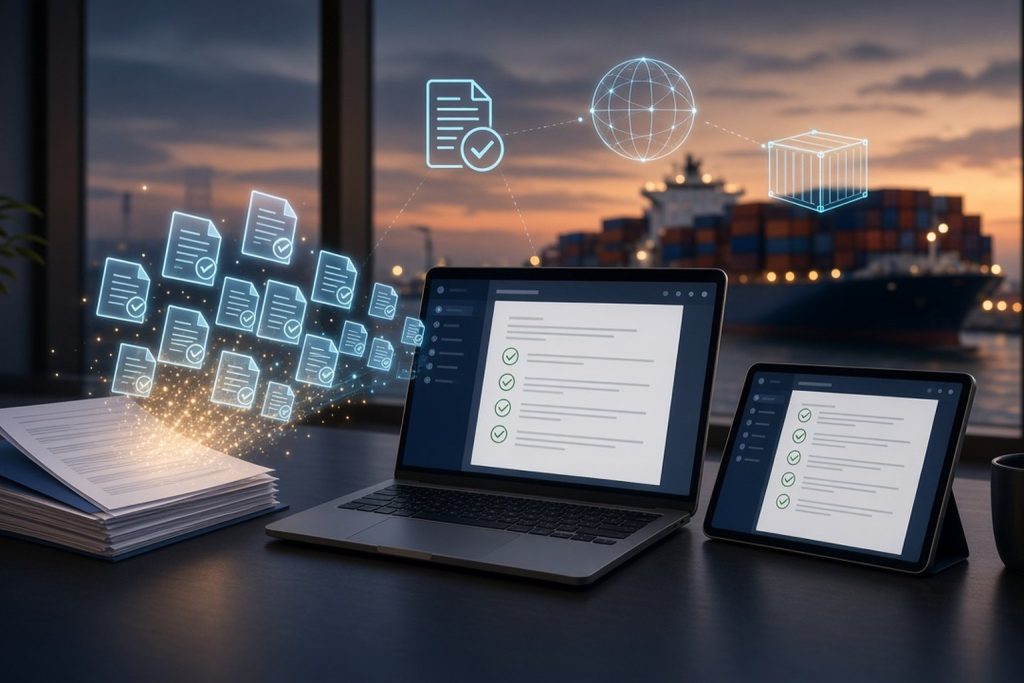
Walk into the export department of many Indian manufacturers and trading companies, and you will still find thick files for every shipment, Excel templates copied from the last order, and email threads with attachments named “invoice final revised 2”.
The system works, until it does not. A buyer’s name is spelt differently on two documents. An old template carries last month’s bank details. The person who knows where everything is goes on leave during a busy shipment week.
We have already published a detailed export documentation checklist for Indian exporters and an overview of why ExportDoc leads export automation. This article takes a different angle: how to actually move your export office from paper and spreadsheets to a digital workflow, step by step, without disrupting shipments.
ExportDoc is VeravalOnline’s export documentation platform, built to help exporters create consistent, audit-ready documents from a single order.
Why Paper and Excel Hold Export Teams Back
The same data is typed again and again
Buyer details, product descriptions, quantities, weights, ports and payment terms appear on the commercial invoice, packing list, bill of lading draft, certificate of origin and insurance certificate. When each is prepared separately, every retyping is a chance for a mismatch.
Versions multiply
Documents are revised after buyer comments, bank queries or freight forwarder changes. With files spread across email and desktops, it becomes hard to know which version was finally submitted.
Knowledge sits with people, not systems
In many export offices, one or two experienced people know the templates, buyer-specific requirements and bank formats. When they are unavailable, work slows down or mistakes creep in.
Records are hard to find later
Banks, auditors and authorities may ask for documents months after a shipment. Searching through physical files or old mailboxes for a specific packing list takes time that the team rarely has.
What “Paperless” Really Means for an Exporter
Going paperless does not mean you will never print a document again. Some documents will still need signatures, stamps or physical submission.
It means that:
- Order and shipment data is entered once, in one system
- Documents are generated from that data, not typed separately
- Every document has a clear version history and audit trail
- Your team, and only your team, can access records from anywhere
- Past shipments can be found in seconds, not hours
A Step-by-Step Plan to Go Paperless
Step 1: Map your current process
List every document you prepare for a typical shipment, who prepares it, where the data comes from and who checks it. Include buyer-specific and country-specific requirements. This map shows where errors and delays usually happen.
Step 2: Clean up your master data
Before any software can help, your basic data needs to be correct: buyer names and addresses, consignee and notify party details, product descriptions, HS codes, units, packing details, bank details and standard terms. Clean data is the foundation of every correct document.
Step 3: Standardise your templates
Agree on one approved format for each document type, with correct company details, signatures and declarations. Retire old templates so nobody picks up an outdated one by mistake.
Step 4: Choose a platform built for export documentation
Look for a system that creates all documents from a single order, keeps company data separate and secure, and records who did what and when. Our ExportDoc product page explains how it automates invoices, shipping documents and compliance workflows. On the ExportDoc platform, companies can register and work in their own secure workspace, generating documents such as commercial invoices, packing lists, bill of lading drafts, certificates of origin, shipping instructions and insurance certificates from one order.
Step 5: Run a pilot
Start with one product line, one buyer or one month’s shipments. Prepare documents in the new system alongside your existing method, compare the results and fix any gaps in data or templates.
Step 6: Set roles and access
Decide who creates orders, who reviews documents and who approves them. Give each person their own login instead of sharing one account. When someone leaves, their access can be removed without affecting the rest of the team.
Step 7: Define a digital filing standard
Decide how finalised documents are named, stored and retained. A consistent structure makes retrieval easy for banks, auditors and your own team.
Step 8: Train the team and switch fully
Once the pilot works, move all new shipments to the digital workflow. Keep the old files for reference, but stop creating new documents the old way.
Common Mistakes When Going Digital
- Moving messy spreadsheets into new software without cleaning the data first
- Letting a few people continue with the old templates “just this once”
- Sharing one login across the whole team
- Skipping the pilot and switching everything in a peak shipment month
- Treating software as the whole solution, without agreeing on roles and review steps
Beyond Documentation
For manufacturer-exporters, documentation is only one part of the operation. Production planning and dispatch readiness affect when documents can be finalised. Our FlowTrack product supports production workflow tracking for teams, and our full range of business products covers payroll, vendor monitoring and more.
If your business needs ExportDoc to connect with an existing ERP or internal system, our web and app development team can discuss custom integrations.
Paperless Export Office Checklist
- Every document for a typical shipment is listed, with owner and data source
- Buyer, consignee, product, HS code and bank master data is cleaned and verified
- One approved template exists for each document type
- Documents are generated from a single order, not typed separately
- Each team member has an individual login with the right role
- Every document has a version history and audit trail
- Finalised documents follow a clear naming and filing standard
- A pilot has been completed before switching all shipments
- Past shipment documents can be found within minutes
Our Related Services
- ExportDoc – export documentation and compliance software by VeravalOnline.
- Our Products – HealthDesk, FlowTrack, Windson Payroll, ExportDoc and Vendor Pulse.
- FlowTrack – production workflow tracking for manufacturing teams.
- Web & App Development – custom web applications and integrations for your business.
- Contact Us – request an ExportDoc demo or discuss your export workflow.
Ready to Take Your Export Office Paperless?
If your team is still preparing export documents manually, we can walk you through ExportDoc using your own shipment examples and help you plan the move. Register your company or request a demo, or contact our team to talk it through.
Your Business. Our Technology.
VeravalOnline Private Limited
We Aim, Your Success.
Since 2008
📍 312 Broadway Signature, Sevasi Canal Road, Vadodara – 391101, Gujarat, India
📞 +91 78630 42495
📧 [email protected]
🌐 www.veravalonline.com







Leave a Reply
You must be logged in to post a comment.